How drivers handle poor mobile coverage
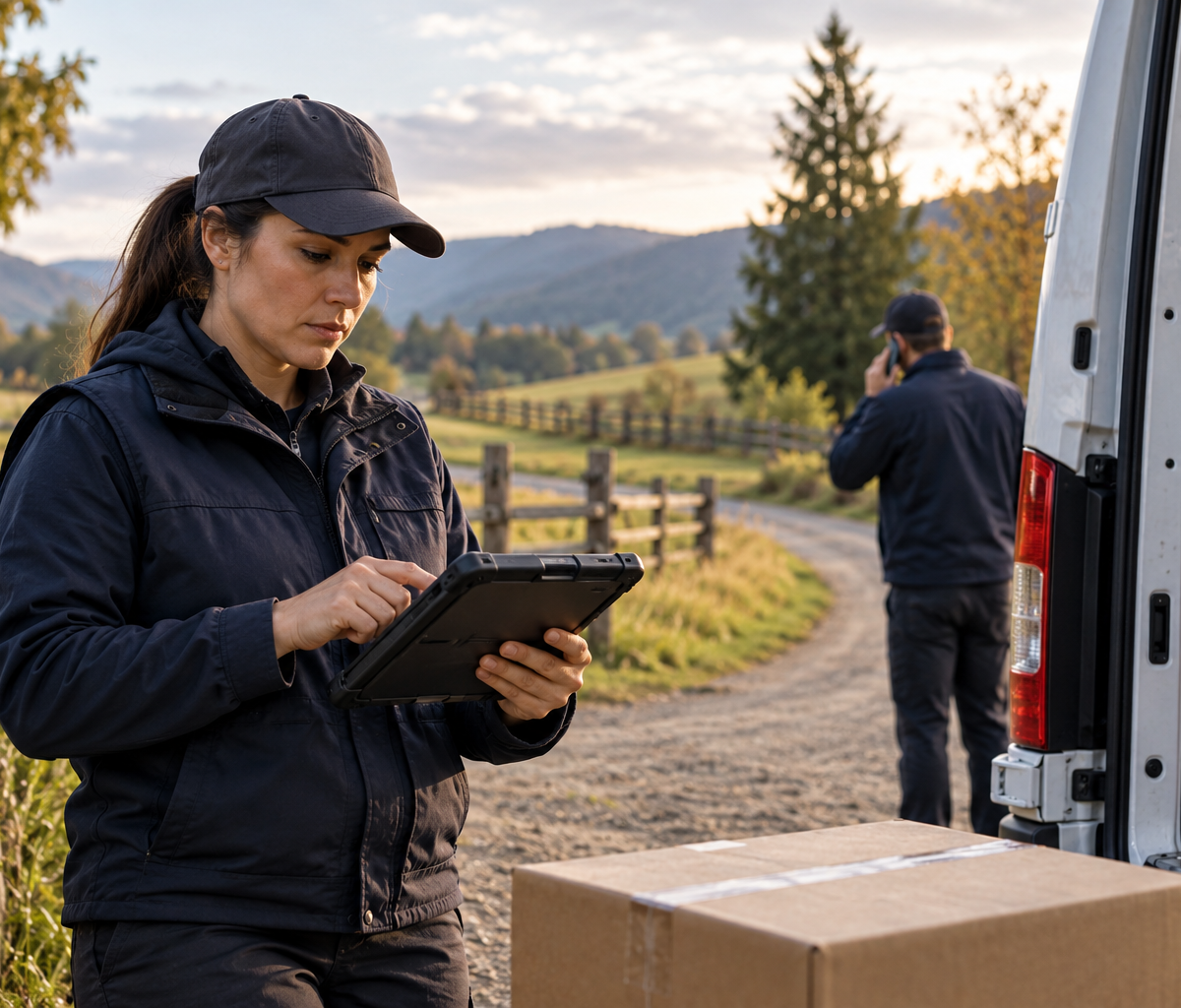
Decide which rural-route work can continue when scans are saved locally but mobile service disappears, and when dispatch must be contacted.
A rural delivery route can lose data service without losing the route itself. The driver can still see the next address, the scanner opens, and a package scan appears in the app. Yet the screen cannot confirm that dispatch has received the event. How drivers handle poor mobile coverage depends on that distinction. A scan saved on the device may support the driver's next step under the employer's offline procedure, while a delivery that requires a live authorization may need to wait. The driver has to know which actions the equipment can retain, which actions require a connection, and how to reach support if the work cannot safely continue.
Coverage is a condition of the route, not a judgment about the driver. Even a planned service area may have gaps. The Federal Communications Commission cautions that actual mobile experience can differ from a coverage map because of factors including the device, network capacity, and terrain. That makes a practical offline plan useful before the van leaves the depot. The plan should describe a known communication channel, the route's offline-capable functions, and the point at which the driver must stop a transaction and seek instruction.
Identify offline-capable tasks before departure
Start by finding out what the assigned app can do without a network connection. Some systems display a previously loaded manifest, permit a scan to be stored locally, and upload it when service returns. Others require a live connection for particular status changes, proof-of-delivery steps, customer instructions, or exception codes. An offline-capable task is one the employer has actually approved for the driver and the current app configuration. A screen that remains open does not by itself establish that a transaction has been saved or authorized.
Ask a supervisor or dispatcher how the app signals a saved event, a pending upload, an upload failure, and a confirmed server receipt. Those states should have different meanings. A locally displayed scan may tell the driver the device recorded an action. A confirmed receipt tells the operation that the central system has it. If the app does not distinguish them clearly, the driver should learn the approved way to check later. Do not infer the answer from a spinning icon, an unchanged counter, or the absence of an error message.
Check that the route, stop details, package identifiers, and any approved map data needed for the area are available before leaving a connected location. A navigation app may support downloaded areas, but its offline functions and limits are separate from the delivery app's recordkeeping. Google Maps, for example, documents offline map downloads and notes limits to certain navigation features without a connection. A downloaded map cannot tell dispatch that a parcel was delivered. Keep those functions separate when planning the day.
How drivers handle poor mobile coverage is easier when the supervisor has already named the hard stops. Those may include an age-restricted delivery, an address change, a recipient dispute, a damaged parcel, or any transaction for which the employer requires live confirmation. The exact list belongs to the employer's procedure and the service commitment. A driver should not create an informal exception merely because the device appears able to hold an event.
Recognize the coverage gap without diagnosing a device failure
A coverage gap has a different operational meaning from a dead scanner. In the route example here, the app opens, package identifiers scan, and pending events remain visible. The missing piece is network transfer. A complete device failure would call for a different fallback because the device might no longer hold any new records. Treating both situations alike can lead to unnecessary manual records in one case or missing records in the other.
First inspect the app's own connection and pending-event indicators. If the device can still read the manifest and capture scans, note what the app shows. If the screen freezes, closes unexpectedly, loses the route, or fails to save a test action, the issue may be broader than coverage; use the device-outage process. Avoid repeatedly tapping a delivery-complete control to force a result. Depending on the software, repeated actions can create duplicate local events or make it harder to tell which event was intended.
Location matters when judging whether to continue. A brief signal loss on a known road, with clear next stops and retained app data, may fit the employer's offline procedure. A new destination requiring fresh directions, a stop requiring live recipient verification, or a safety problem changes the decision. Stop in a safe place and contact dispatch using the approved method when the next action depends on information the driver cannot access. Do not search for service while driving or let an app prompt pull attention from the road.
Record the start of the gap in the form the operation uses. The record can include the last confirmed synchronization, the approximate place service disappeared, and what the app says about pending events. Use observed facts: "two scans pending upload" is stronger than "the system is down." A driver may not know whether the network, the app server, or the device radio is responsible. The route record should describe what happened on the vehicle rather than invent a technical diagnosis.
Preserve the offline event record and physical custody
The point of an offline event record is to keep the package action tied to the package, place, and actual time until synchronization becomes possible. If the employer's app saves scans locally, follow its normal capture sequence and look for the saved or pending indicator. Do not substitute a handwritten "delivered" note for a required scan when the app is working. If a supplemental note is required, it should support the app event and say plainly that upload is pending.
Maintain the physical package sequence as well. A parcel still in the van remains in the driver's custody even if its next stop is displayed. An accepted handoff, failed attempt, secure hold, or return needs its own truthful event. Do not mark a package delivered merely to clear it from a local list. If the delivery workflow requires a signature, photo, recipient code, or a restricted-service check that cannot be completed offline, follow the approved hold or escalation process. The availability of a button is not permission to bypass that step.
Use package identifiers rather than memory to reconcile a long stretch without service. For each affected stop, the useful record is the parcel ID, the action actually completed, the device's visible status, and any exception that changed custody. Keep personal details within approved systems. A driver's private phone, personal cloud note, or unapproved photo folder can create a separate privacy and retention problem. Ask dispatch where any backup record belongs and when it should be transferred into the official route history.
How drivers handle poor mobile coverage also includes protecting the device's local data. Leave the delivery app signed in under the approved account. Avoid clearing app storage, reinstalling the app, or resetting the device while events are pending unless technical support directs that action after preserving the queue. Such steps can remove data that has not reached the central system. If the device needs power, use the approved charging equipment; a fully drained phone can turn a network gap into a separate record-recovery problem.
Know the escalation point for dispatch contact
An escalation point is a decision that the driver cannot complete under the offline procedure. It may arise because the next stop needs a live approval, a recipient gives conflicting instructions, a parcel condition changes, the route cannot be located reliably, or the pending-event queue behaves unexpectedly. The right threshold is the one in the employer's operating instructions. The driver should know both the threshold and the approved contact method before entering a weak-service area.
Contact options can include an approved voice call, a designated text channel, a radio, or travel to a safe location with service. A voice call may succeed when data upload is poor, but that is a possibility to test, not a guarantee. Give dispatch the route and stop identifiers, the last confirmed upload, the current location as precisely as it is known, the number and type of pending actions, and the decision needed. "No bars" alone does not tell the support owner whether the driver can continue.
If no approved channel reaches dispatch, follow the prearranged no-contact rule. That rule should identify which routine work may continue, which work must be held, where a driver can safely seek coverage, and how to document the attempt to make contact. The driver should not improvise a delivery authorization from silence. A safe pause at a permitted location is a legitimate route action when a required confirmation is unavailable.
Tell dispatch about a delay only when it affects the route or a service commitment, and use the facts then known. A driver can say that a particular stop is on hold pending a required instruction. They should not estimate a customer delivery time from a map alone if a restricted transaction remains unresolved. Dispatch may decide to resequence the route, send instructions through an alternate channel, or arrange a different handoff. Record who gave the instruction and the time it was received.
Work a 40-minute rural coverage gap
Consider an illustrative route with parcel R24 on a rural road. At 10:20, the driver completes a permitted scan at a collection point. The app shows the event as saved locally, but there is no network signal and no central receipt. Two routine stops remain before a planned return to a connected town. The driver has the route details already loaded and the employer's procedure permits those routine events to be captured offline. This example assumes those capabilities for the scenario; it does not assert that every delivery app or Delpack route has them.
The driver notes the last confirmed upload and the start of the gap. They check R24's identifier and keep the parcel in the custody state that matches the actual collection. At the next permitted stop, the driver follows the normal scan sequence and confirms that the new event is visible in the pending queue. They do not mark it as centrally received. The vehicle continues only along a known, safe route for which the necessary stop information is available.
The following stop requires a live approval under the employer's rules. The driver pulls into a safe location, tries the approved dispatch channel, and gives the stop ID, pending-event count, and requested decision. If a voice call connects, the driver follows the instruction given. If no channel works, they apply the documented no-contact rule and hold that stop. The 40-minute duration does not itself grant permission to complete a transaction that needs live confirmation.
At 11:00 the device regains service. The driver waits for the app to process the pending queue, then checks the status of each affected event against the package identifiers and actual actions. They report any item still pending or rejected. If a central timestamp is later than the physical event, the record should preserve the difference between event time and upload time. This article's concern is deciding how to keep working during the gap; a separate late-scan guide addresses how to interpret a delayed event in an operations record.
A useful end-of-gap note is short: coverage lost near the first rural stop; permitted scans stored locally; one approval-dependent stop held; connection restored near town; pending queue checked; dispatch advised of the held stop. That note can be reconciled with the app history. It does not pretend that every item was complete during the outage or that a central receipt existed before synchronization.
Check sync confirmation after service returns
A sync confirmation should come from the official app or the support owner, according to the system's design. A signal icon returning is only a network observation. It does not prove every event uploaded, passed validation, or appeared in the right route history. Open the pending queue or other approved status view. Compare each item with the affected package and stop, and check whether the system reports acceptance, rejection, duplication, or continued pending status.
Do not overwrite a pending event to make the route look clean. If the app rejects an event, preserve its identity and the error message, then request the authorized correction path. A rejected scan can reflect a data rule, a mismatched package, or another issue; the driver should not guess a new event time or recreate a completed delivery simply to clear the screen. Keep the physical custody account intact while support resolves the record.
Some systems synchronize automatically; others require a particular action or a return to a connected depot. Follow the employer's documented sequence. Android's guidance for offline-first applications explains why local data and network data can differ until synchronization occurs, but it does not describe the behavior of any particular delivery platform. The driver needs the assigned platform's actual status indicators and procedure. A general technical explanation cannot substitute for an employer instruction.
Before closing the shift, identify any stop whose central record still differs from what happened. Give dispatch the parcel ID, actual event, local record state, and remaining discrepancy. If a supervisor must make an authorized correction, keep that request traceable. A clean route screen is useful only when the underlying custody and delivery record is accurate. How drivers handle poor mobile coverage should leave the operation with a clear distinction between work completed on the road and data confirmed after connectivity returned.
Use a coverage preparation check for the next route
A coverage preparation check should be brief enough to do before a normal shift. Confirm that the device is charged, the approved app is signed in, the route and permitted map data are loaded, and the offline procedure is at hand. Know the status indicator for a local save and the one for server receipt. Identify the next safe place to stop if live instructions become necessary. If the route regularly crosses a known gap, tell dispatch before departure so the no-contact decision is clear.
After the shift, report repeated dead zones and confusing app behavior with the route segment and observable symptoms. An operations team can then evaluate whether route data, training, device settings, or communications need attention. Avoid claiming that a network provider's map guarantees service at a particular loading bay or driveway. The FCC's coverage guidance notes that modeled availability and actual experience can differ.
The daily rule remains practical: complete only the tasks the approved offline process permits, keep local events and package custody traceable, and call or safely seek dispatch when a required decision cannot be made. For other delivery decisions, see the driver guide hub. Drivers considering local opportunities can also review the Fort Wayne driver careers page.
Continue with Delpack
Review the Fort Wayne career overview or contact Delpack with a question about the company.