How drivers handle wrong-address packages
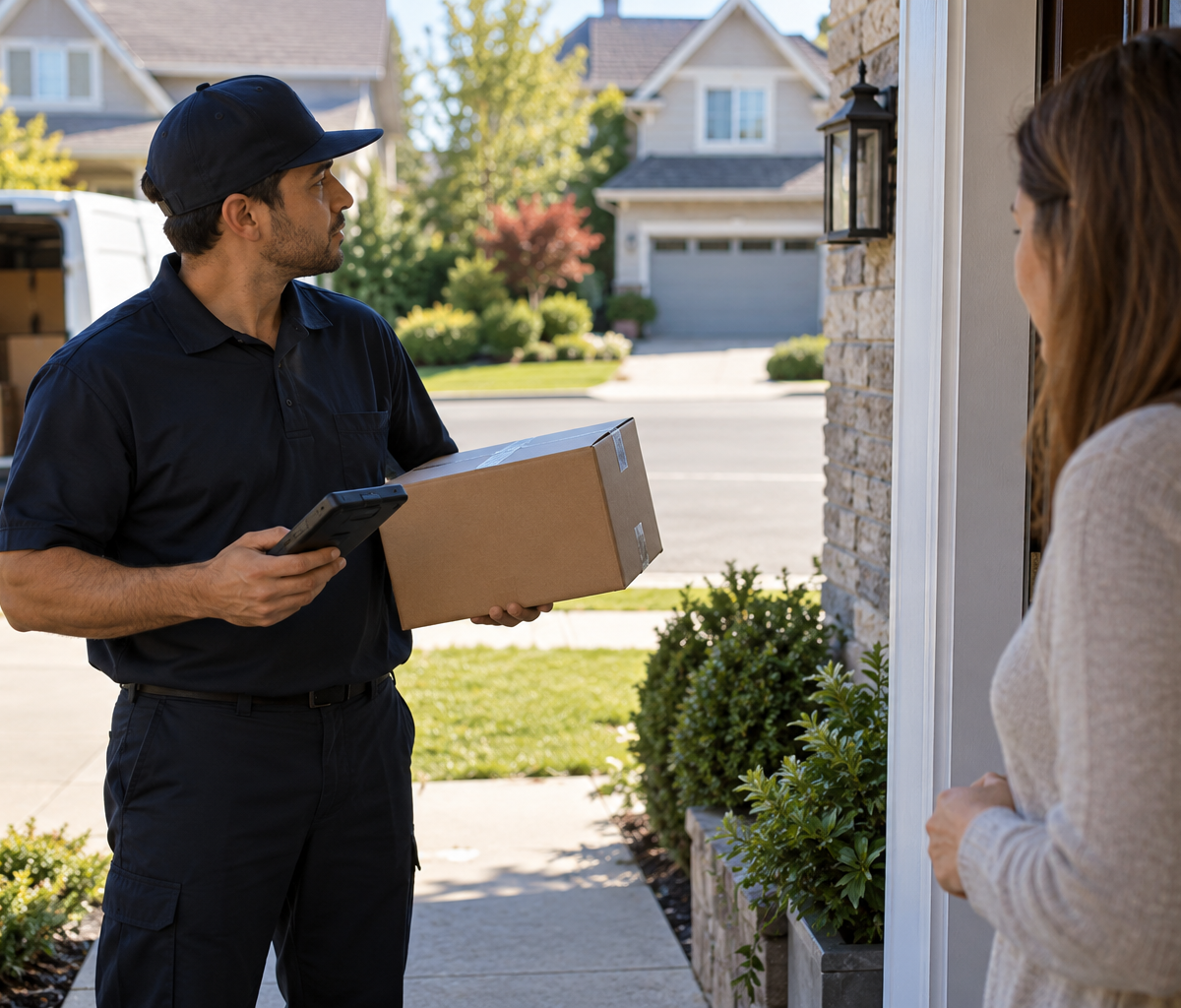
Compare a parcel labeled for another street with the assigned stop, report the routing conflict, and keep custody until an authorized handoff.
A driver arrives at a Pine Street stop and pulls a parcel from the van. The route screen groups it with that stop, but the printed shipping label names an address on Oak Street. The label is readable; the problem is that this parcel appears in the wrong place on the route. How drivers handle wrong-address packages begins with a pause before handoff. Compare the parcel with the route assignment, report the mismatch through the employer's approved channel, and keep the item in accountable custody until its destination is resolved. A familiar name, a nearby house, or a customer's assurance does not make the Pine Street stop the authorized delivery point.
This guide concerns a driver who finds a package bearing a different street address from the current stop. It does not cover a box whose tracking label conflicts with an order record before transport, or a label with a disputed apartment number at the correct building. The first problem requires upstream identity reconciliation; the second requires clarification of the unit. Here the immediate decision is whether the parcel can leave the van at the stop in front of the driver. When the address on the package and the stop do not agree, the answer should wait for an authorized routing decision.
Make the address comparison at the current stop
An address comparison should use the actual label and the active stop record, rather than a driver's memory of the route. Check the street number, street name, city, ZIP Code, and any business or unit detail that changes the destination. Read the package identifier as well. A route may contain several parcels for one stop, and one of them may have been placed in the wrong bin or grouped with the wrong scan. Distinguish the single affected package before changing anything about the stop.
Check whether the destination on the label is a completely different address, a harmless formatting difference, or a detail that the employer's system has already corrected. A missing directional letter or a similar street name may be significant; a capitalization difference usually is not. Do not make the judgment from typography alone. The employer's authorized address record and service rules control the delivery. If the label and route data remain in conflict, the driver should preserve that conflict in the report instead of selecting whichever address is easier to reach.
The address should be read from the outer shipping label without opening the parcel. Opening a package to look for an invoice or recipient note is outside a routine route check and can disturb privacy, contents, and custody evidence. If the outer label is unreadable or two labels point to different recipients, the case is more than a simple routing error. Hold the package under the appropriate exception process and ask support to establish identity from authorized records.
How drivers handle wrong-address packages requires a clear statement of what is known: "Parcel W42 is grouped with Pine Street stop 18, but its printed address is 47 Oak Street." That is more useful than "wrong package," which could mean a damaged item, a swapped barcode, or the wrong customer. The driver can add whether Oak Street appears elsewhere on the assigned route, but should avoid deciding on a new destination without the required approval.
Use the manifest check to find the intended destination
The manifest check asks how the parcel entered the route. Search the assigned manifest or delivery app by its tracking identifier. Note whether the system lists the parcel under the current stop, a different stop on the same route, an unassigned item, or another route. Those outcomes lead to different support decisions. A package for a later assigned stop may be an internal sort error; a package for a street outside the service area may require a return or transfer. The driver should report the observed assignment before physically moving the parcel to a new workflow.
A scan can identify the parcel in the app, but it may not settle the address conflict. Some systems display an address updated after the printed label was made. Others group a package incorrectly because of a route or sorting error. The driver cannot infer which explanation applies from a single screen. Ask the designated support owner to verify the current authorized destination and tell the driver which address record governs. A customer's verbal request to leave the box elsewhere is not a substitute for that confirmation.
If the manifest shows the correct Oak Street address but the box was loaded with Pine Street packages, tell dispatch exactly that. Do not treat a planned route stop as automatic permission to reshuffle the delivery sequence; route changes may affect coverage, service windows, or another driver's assignment. If the manifest shows Pine Street while the printed label shows Oak Street, preserve both values in the exception report. Support may need to consult the shipping record or shipper before authorizing a correction.
Keep the package identifier attached to every message. A driver may have several similar cartons from the same merchant and several houses on streets with similar names. The tracking number, stop ID, and the two addresses as displayed in their respective records let a supervisor investigate the specific item. Share the address only through approved work channels. Avoid sending label photos to a personal account or posting customer details in a broad chat.
Send a routing error report before a handoff
A routing error report should reach the person or system that can authorize the next action. Give the package ID, current stop, printed destination, app destination, and the physical location of the parcel. State whether any delivery or attempt scan has already been made. If the package is still in the van, say so. This protects against a support agent assuming that the item was handed to the customer or left at the door.
Use the employer's exception code only when its meaning fits the event. A parcel loaded on the wrong route has not necessarily been refused by a recipient, delivered to the wrong address, or lost. Selecting one of those outcomes to remove it from the screen can create a false public tracking history and make recovery harder. If no code fits, request the proper instruction rather than choosing the closest sounding option. The report should identify both the error and the current custody state.
Where the route app allows an exception photo, follow the employer's rules for photographing the label and package. The purpose is to document the mismatch, not to build a personal image archive. Avoid including people, house interiors, or unrelated customer labels. If the app has no approved photo path, a written transcription of the package and stop identifiers may be enough for dispatch to locate the record. Do not delay a safe custody action merely to make a more elaborate report.
Timing matters. Report before leaving the package at Pine Street or asking a resident to hold it. A doorstep handoff can be difficult to reverse, especially when the person who accepted the box is not the named recipient. If the driver notices the mismatch after walking to the door but before release, take the box back to the vehicle and contact support from a safe location. If an incorrect handoff has already happened, follow the employer's misdelivery recovery procedure and record what actually occurred; do not erase the delivery event to make the route appear clean.
Retain parcel custody while the route decision is pending
parcel custody means the package stays in a known, controlled place until the authorized next handoff. Keep it inside the vehicle or in another location allowed by the employer's procedure. Segregate it from parcels about to be delivered so it is not pulled at the next similar-looking stop. Maintain the readable tracking label and avoid covering it with a handwritten destination that could be mistaken for an official correction.
The driver should not leave the package with the Pine Street customer to "sort it out," even if the customer recognizes the recipient's name. The customer may not be authorized to accept it, and the driver would lose control of the item without a verified delivery. Nor should the driver place it at a nearby address based on a map pin or a passerby's directions. The address on the package, the current authorized record, and the employer's instruction must be reconciled first.
If the driver must continue the route while support investigates, document where the parcel remains in the vehicle and whether any service or safety issue limits continued transport. A heavy or damaged parcel may need a secure position. A normal intact box should still be accounted for at the end of the route. If dispatch directs a depot return, record the instructed return and complete the physical receiving handoff. A package left on an unassigned shelf is not a verified transfer.
The support decision may be to deliver at the printed address, transfer the parcel to another route, hold it, or return it for correction. Those possibilities are examples, not a universal carrier policy. The driver needs the named instruction and the status to use in the assigned system. If the instruction changes the destination, capture the authorization through the approved record before making a delivery. A private verbal agreement at the doorstep does not establish that change.
Work the parcel on another street example
Suppose parcel W42 is loaded on a van serving Pine Street. At stop 18, the app presents W42 among three expected packages. The printed label says 47 Oak Street, across town. The driver has not scanned W42 as delivered and has not handed it to anyone. This is an illustrative route case; the exact status choices and approval roles depend on the employer's system.
The driver sets W42 aside in the van, checks its tracking ID against the route manifest, and finds that the app lists Pine Street. Because the printed and electronic destinations disagree, the driver reports both values to dispatch. The message includes stop 18, W42's ID, the fact that the parcel remains on the van, and the absence of any delivery scan. The driver completes only the other Pine Street packages whose identities and addresses agree with the stop. W42 stays under driver custody.
Dispatch checks the authorized shipment record and confirms that Oak Street is the valid destination. Suppose the support owner instructs the driver to return W42 to the depot for reassignment rather than add an unscheduled Oak Street delivery. The driver records the routing exception using the approved code, keeps W42 separate from delivered freight, and obtains the required receiving scan or acknowledgment at the depot. The recorded route history then shows why W42 was not delivered at Pine Street and who took custody next.
Now change one fact: dispatch finds a legitimate, recorded address correction to Pine Street that was not reflected on the physical label. The driver should obtain the approved correction instruction before delivery and use the required proof-of-delivery sequence at the authorized location. The driver should not silently rewrite the label or assume that the app is always newer. The route outcome changes only after the governing address record is confirmed.
The example's main discipline is keeping a valid package from becoming a misdelivery during a routine stop. A misrouted parcel can be found and redirected while still in custody. Once it is left at a stranger's property, the operation has an additional recovery problem and the intended recipient still lacks the package.
Close the exception with a verified handoff record
The handoff record should match the physical outcome. If dispatch assigns the parcel to the correct stop on the same route, the driver should confirm that the app and label now support that action and record the actual delivery. If another route takes it, record the receiving driver, route, or depot scan required by the employer. If W42 returns to the station, obtain the station's acceptance. A support message saying "bring it back" is an instruction, while the receiving scan or acknowledgment shows that custody changed.
After the handoff, compare the exception status with the parcel's current tracking or route record. A status that still says "out for delivery" may need support attention if the parcel has been returned. A status that says "delivered" when the driver never released it is a material discrepancy. Report the mismatch using the actual event sequence. Do not enter a delivery time or recipient name to close an open task. The driver can truthfully say that the parcel was found at the wrong stop, retained, and transferred to the named owner.
UPS's public address-change guidance illustrates that redirection can depend on shipper restrictions, shipment status, and security requirements. That guidance describes UPS customer options, not a Delpack driver procedure. It supports the narrower operational point: a driver should not treat a requested change or an apparent address conflict as automatic authority to choose a destination. The employer and shipment record must supply the applicable instruction.
How drivers handle wrong-address packages ends when the right package is connected to a verified destination and the physical custody trail is complete. The driver protects that result by comparing the label and stop, reporting the conflict early, and retaining the parcel until a named routing decision is recorded. For related route questions, use the driver guide hub. Local delivery opportunities are listed on the Fort Wayne driver careers page.
Continue with Delpack
Review the Fort Wayne career overview or contact Delpack with a question about the company.